DBAN — Darik's Boot and Nuke — has been the default recommendation for free hard drive wiping since the early 2000s. Burn the ISO to a USB drive, boot from it, and every connected hard drive gets overwritten with zeros or random data. Simple, effective, and free. But the last official release was November 2015, SSDs now outnumber HDDs in new machines, and actively maintained alternatives exist. In 2026, does DBAN still make sense — and for whom?
Key Takeaways:
- DBAN is free, bootable, and still works correctly for wiping traditional HDDs with up to six erasure methods
- It has not been updated since 2015 — Blancco acquired the project and shifted focus to its paid enterprise products
- DBAN cannot wipe SSDs — it lacks ATA Secure Erase and NVMe Sanitize support, and overwriting does not reach all NAND cells
- No certificates of erasure, no UEFI boot support, and no selective partition wiping
- ShredOS with nwipe is the actively maintained successor that adds SSD support and UEFI compatibility
Quick Specs
| Detail | DBAN |
|---|---|
| Price | Free |
| Latest Version | 2.3.0 (November 2015) |
| Platform | Bootable Linux ISO (USB or CD) |
| Boot Mode | Legacy BIOS (no native UEFI support) |
| HDD Support | Yes — full overwrite |
| SSD Support | No |
| Erasure Methods | 6 (Zero Fill, RCMP, DoD Short, DoD ECE, Gutmann, PRNG) |
| Certificates | No |
| Selective Wipe | No — entire drives only |
| Open Source | Originally yes; current distribution is freeware |
| Developer | Darik Horn (original); Blancco (current distributor) |
What Is DBAN?
DBAN stands for Darik's Boot and Nuke. Created by Darik Horn in the early 2000s, it is a self-contained bootable Linux environment designed to do one thing: overwrite every sector of every connected hard drive with data patterns that render the original contents unrecoverable.
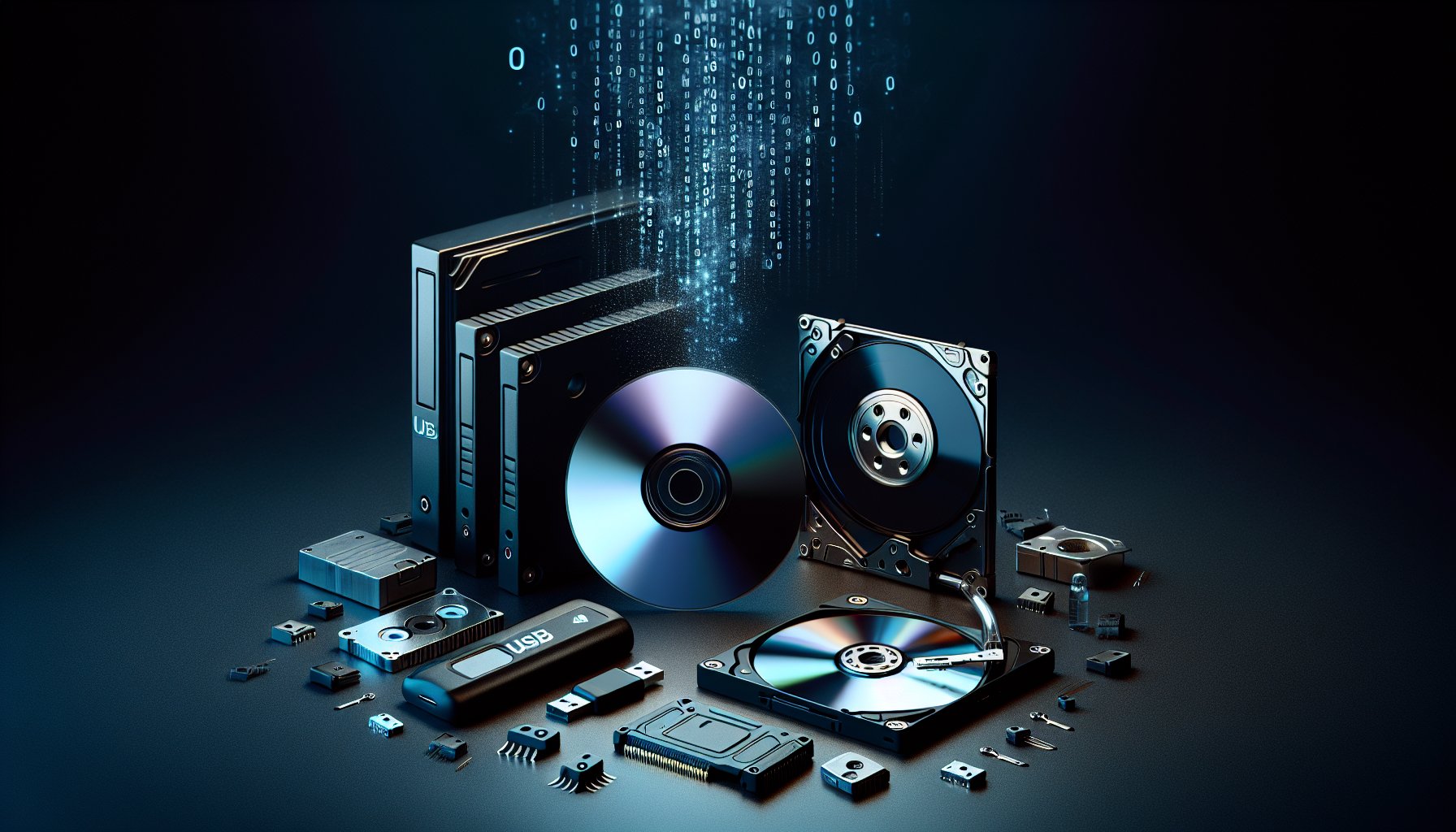
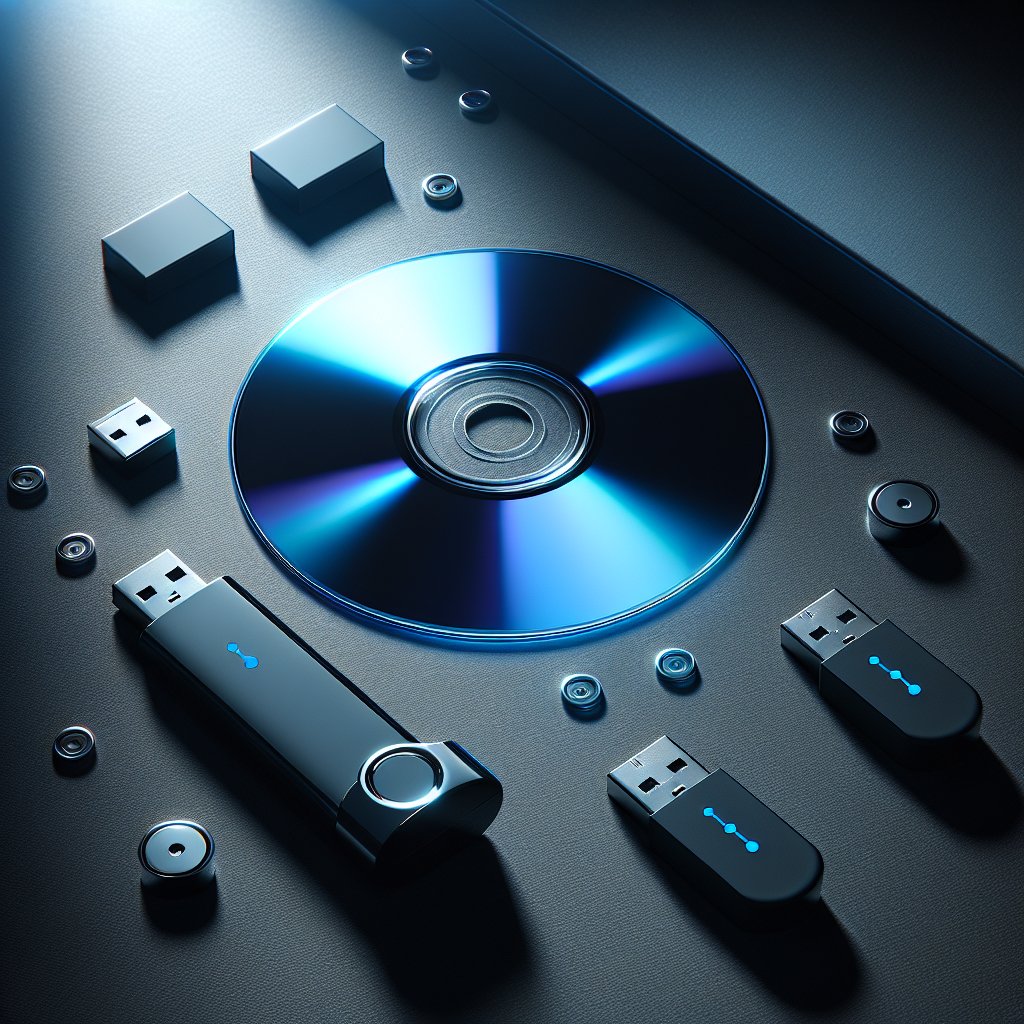
You download the DBAN ISO image, write it to a USB flash drive or burn it to a CD, and boot your computer from that media. DBAN loads entirely into RAM — it does not install anything to your drives. Once loaded, it presents a text-based interface listing all detected storage devices. You select which drives to wipe, choose an erasure method, and let it run. When the process completes, every addressable sector on the selected drives has been overwritten.
DBAN was widely adopted because it solved a real problem with zero cost and minimal complexity. Before DBAN, securely wiping a drive typically meant either paying for commercial software or manually running dd commands in Linux — neither of which was accessible to average users. DBAN packaged the entire workflow into a single bootable image.
In 2012, Blancco Technology Group (a Finnish data erasure company) acquired Geep DeepSoft, the company behind DBAN. Blancco continued hosting the DBAN download as a free tool, but development attention shifted to Blancco's commercial product line. The last DBAN release — version 2.3.0 — was published in November 2015. There have been no updates since.
How to Use DBAN
Using DBAN is straightforward, though the text-based interface can look intimidating if you are used to graphical applications.
-
Download the ISO — Get
dban-2.3.0_i586.isofrom dban.org. The file is roughly 17 MB. -
Create bootable media — Write the ISO to a USB flash drive using Rufus (Windows), Etcher (cross-platform), or
dd(Linux/macOS). A CD/DVD also works if your system has an optical drive. -
Configure boot order — Enter your BIOS/UEFI settings and set the USB drive (or CD) as the first boot device. If your system uses UEFI, you may need to enable Legacy Boot or CSM (Compatibility Support Module) for DBAN to boot.
-
Boot into DBAN — Restart the computer. DBAN will load its Linux environment into RAM. You will see a blue screen with a
boot:prompt. Press Enter for interactive mode. -
Select drives — The interactive mode lists all detected storage devices. Use the arrow keys to highlight a drive and press Space to select it. Selected drives are marked with
wipe. -
Choose an erasure method — Press M to change the wiping method. Options include Quick Erase (zero-fill), RCMP TSSIT OPS-II (8 passes), DoD Short (3 passes), DoD ECE (7 passes), Gutmann (35 passes), and PRNG Stream. For modern HDDs, even the zero-fill is sufficient per NIST 800-88 guidance.
-
Start the wipe — Press F10 to begin. DBAN displays progress for each drive including percentage complete, throughput, estimated time remaining, and pass number.
-
Wait — A 1 TB HDD takes roughly 2-4 hours per pass with the zero-fill method. The default DoD Short (3-pass) takes roughly three times as long.
-
Verify completion — When finished, DBAN displays a green "pass" banner for each successfully wiped drive. Remove the USB drive and power off the machine.
Warning: DBAN wipes every selected drive without confirmation beyond the initial selection. Double-check your selections before pressing F10. There is no undo.
Key Features
Six erasure methods. DBAN includes Quick Erase (single zero-fill), RCMP TSSIT OPS-II (8-pass overwrite), DoD 5220.22-M Short (3-pass), DoD 5220.22-M ECE (7-pass), Peter Gutmann's 35-pass method, and PRNG Stream (pseudorandom data fill). Note that the DoD 5220.22-M standard is obsolete — the DoD itself no longer references it — and one overwrite pass is sufficient for modern HDDs per NIST guidance. But the options exist for users whose internal policies still reference legacy standards.
Batch wiping. DBAN can wipe multiple drives simultaneously. In the interactive mode, select as many drives as you want and they all begin wiping in parallel. This is useful when decommissioning several machines at once.
Autonomous mode. For hands-off operation, you can boot DBAN with the autonuke command at the boot prompt instead of pressing Enter. This automatically wipes all detected drives using the default method with no user interaction required. Useful for processing batches of identical machines — but dangerous if connected drives you did not intend to wipe are present.
Runs entirely in RAM. DBAN loads its complete Linux environment into system memory. It does not write anything to connected drives (other than the wipe data itself), and it does not require or install an operating system. Remove the boot media after loading and the system drive is available for wiping.
Verification pass. DBAN performs a verification read after each wipe pass to confirm that the written data matches the expected pattern. Drives that fail verification are flagged in the final status report.
Limitations
DBAN has several significant limitations that have grown more relevant as storage technology has evolved since 2015.
No SSD support. This is the most critical limitation. DBAN performs sector-by-sector overwriting, which does not adequately erase SSDs. The flash translation layer, wear leveling, and over-provisioning on SSDs mean that overwrite data may not reach all physical NAND cells. Data in over-provisioned areas and remapped blocks remains untouched. For a detailed explanation of why overwriting fails on SSDs, see our article on SSD vs. HDD data erasure differences.
No UEFI boot. DBAN was built for legacy BIOS systems. Many modern motherboards — especially those shipped after 2020 — use UEFI exclusively. Some UEFI systems offer a Compatibility Support Module (CSM) that allows DBAN to boot, but an increasing number of newer systems have removed CSM entirely. If your motherboard does not support legacy BIOS boot, DBAN will not start.
No certificates of erasure. DBAN displays a pass/fail status on screen after wiping, but it does not generate any exportable report or certificate. If your organization needs documented proof of data sanitization for regulatory compliance — HIPAA, GDPR, PCI DSS, SOX, or similar — DBAN is not sufficient.
No selective wiping. DBAN operates on entire physical drives. You cannot wipe a single partition while preserving others. You cannot erase specific files. It is all or nothing.
Abandoned development. Ten years without an update means no bug fixes, no new hardware support, no security patches to the underlying Linux kernel, and no adaptation to new storage interfaces. The 2015 Linux kernel in DBAN may not detect newer storage controllers, RAID cards, or NVMe drives.
No NIST 800-88 method. Despite NIST 800-88 being the current standard for media sanitization, DBAN does not reference it. The zero-fill option achieves NIST 800-88 Clear in practice, but DBAN predates the standard's widespread adoption and does not label its methods accordingly.
Bottom Line: DBAN still works correctly for its original purpose: overwriting traditional HDDs. If you have a spinning hard drive that needs wiping and you do not need certificates or compliance documentation, DBAN will get the job done at no cost. But for SSDs, modern hardware, or regulated environments, you need something else.
DBAN vs. ShredOS/nwipe
ShredOS is the closest thing to a modern DBAN. It is a bootable Linux distribution built around nwipe — an actively maintained fork of DBAN's original dwipe wiping engine. If you are familiar with DBAN, ShredOS will feel immediately recognizable.
| Feature | DBAN | ShredOS + nwipe |
|---|---|---|
| Price | Free | Free (open source, GPL) |
| Last Updated | November 2015 | Actively maintained (2026) |
| HDD Overwrite | Yes | Yes |
| SSD Support | No | Yes (ATA Secure Erase, NVMe Sanitize via hdparm/nvme-cli) |
| Boot Mode | Legacy BIOS only | UEFI and Legacy BIOS |
| Erasure Methods | 6 | 7 (adds NIST 800-88 Clear) |
| Certificates | No | No |
| Source Code | Freeware (not open source) | Fully open source (GPL) |
| Interface | Text-based (blue) | Text-based (similar to DBAN) |
| Kernel | ~2015 era | Current mainline kernel |
| NVMe Detection | No | Yes |
ShredOS wins on every dimension except one: name recognition. DBAN is still the name most people search for when they want to wipe a hard drive, and countless guides and IT procedures still reference it by name.
For practical purposes, ShredOS is DBAN with a decade of improvements. The nwipe interface looks and feels nearly identical to DBAN's interactive mode. The learning curve for a DBAN user switching to ShredOS is essentially zero.
The SSD difference matters. If you have a mix of HDDs and SSDs to wipe — which most people do in 2026 — ShredOS handles both from a single boot environment. DBAN forces you to use a separate tool for any SSDs.
Read our full ShredOS + nwipe review for setup instructions and a comparison of erasure methods.
DBAN vs. Paid Alternatives
If you need features DBAN lacks — certificates, SSD support, centralized management, or compliance documentation — paid tools fill those gaps.
DBAN vs. BitRaser Drive Eraser
BitRaser Drive Eraser is the premium option. It supports 27+ erasure standards, generates tamper-proof certificates with cloud storage, handles HDDs and SSDs (including NVMe), and provides a centralized management console for organizations. The per-drive pricing (from $20/drive) makes it expensive for bulk operations without a volume agreement, but for businesses that need audit-ready proof of erasure, the cost is justified.
Choose BitRaser over DBAN when: You need certificates of erasure, you are wiping SSDs, your organization is subject to data protection regulations, or you need centralized reporting across multiple operators.
DBAN vs. KillDisk
KillDisk occupies the middle ground. The free edition is limited to a single-pass zero fill — functionally similar to DBAN's Quick Erase. The Professional edition ($64.95) adds 24+ erasure methods and PDF certificate generation. The Ultimate edition ($119.95) adds SSD Secure Erase support and Linux bootable media.
Choose KillDisk over DBAN when: You need more erasure methods, PDF certificates, a more polished interface, or SSD support (Ultimate edition). KillDisk's perpetual license model means you pay once and wipe unlimited drives — a better value than BitRaser for organizations processing drives in volume.
For a broader comparison of all available tools, see our best data erasure software roundup.
Pros and Cons
Pros:
- Completely free with no usage restrictions or registration
- Boots from USB or CD — no operating system required
- 20+ year track record of reliable HDD wiping
- Simple workflow: boot, select drives, select method, start
- Batch wiping of multiple HDDs simultaneously
- Verification pass confirms overwrite success
- Runs entirely in RAM — does not touch drives until you start the wipe
- Tiny ISO file (~17 MB) downloads in seconds
Cons:
- No SSD support — cannot issue Secure Erase or Sanitize commands; overwriting SSDs is ineffective
- Last updated November 2015 — effectively abandoned
- No certificates of erasure — unsuitable for compliance-driven environments
- No UEFI boot support — will not start on many modern systems without CSM/legacy mode
- Cannot wipe individual partitions or files — entire drives only
- Outdated Linux kernel may not detect newer storage controllers or NVMe drives
- Does not reference NIST 800-88 — the current media sanitization standard
- Text-based interface can be intimidating for non-technical users
- No customer support (Blancco directs users to its paid products)
- Originally open source, but current distribution is closed-source freeware
Who Should Still Use DBAN?
DBAN still makes sense in a narrow set of scenarios:
Home users wiping old HDDs. If you are selling, donating, or recycling a computer with a traditional spinning hard drive and you do not need documentation, DBAN does the job. Download, boot, wipe, done. It is free and it works.
Legacy systems with BIOS boot. Older machines that predate UEFI will boot DBAN without issues. If you are decommissioning aging desktops or servers with BIOS-era motherboards and SATA HDDs, DBAN remains a practical choice.
IT procedures that specifically reference DBAN. Some organizations have DBAN written into their asset disposition procedures. If your process documentation says "use DBAN" and the drives are HDDs, changing tools may require updating policies and getting approval. In the short term, DBAN still functions.
Air-gapped environments. Because DBAN has no network connectivity requirements and runs entirely from removable media in RAM, it works in environments where internet access is restricted or unavailable.
You should NOT use DBAN if:
- You are wiping any SSD (SATA or NVMe)
- Your motherboard does not support legacy BIOS boot
- You need a certificate of erasure for compliance purposes
- You need to wipe individual partitions rather than entire drives
- You are wiping drives connected via modern storage controllers not supported by the 2015 kernel
For any of these scenarios, consider ShredOS (free, modern, SSD-capable) or BitRaser (paid, certified, enterprise-ready). Our complete guide to wiping a hard drive walks through the full decision process.
Frequently Asked Questions
Is DBAN still safe to use in 2026?
Yes. DBAN still functions correctly for wiping traditional HDDs. The core overwrite engine works as intended and the ISO has not been compromised. The concern is not safety — it is relevance. DBAN has not been updated since 2015, it cannot wipe SSDs, and it lacks modern features like UEFI boot support and certificates of erasure.
Can DBAN wipe an SSD?
No, not effectively. DBAN performs sector-by-sector overwriting, which does not work on SSDs due to wear leveling, over-provisioning, and the flash translation layer. The overwrite data may not reach all physical NAND cells. You need a tool that supports ATA Secure Erase or NVMe Sanitize commands, such as ShredOS, Parted Magic, or BitRaser.
Why was DBAN last updated in 2015?
Blancco Technology Group acquired DBAN's parent company Geep DeepSoft in 2012. Since then, Blancco has focused development on its paid enterprise erasure products rather than DBAN. The last official DBAN release (version 2.3.0) was November 2015. Blancco still hosts the DBAN download but does not actively develop it.
Does DBAN work with UEFI?
DBAN was designed for legacy BIOS systems and does not natively support UEFI boot. Many modern motherboards can boot DBAN through their Compatibility Support Module (CSM) or legacy boot mode. However, some newer systems have removed CSM entirely, which means DBAN will not boot at all. ShredOS supports UEFI boot natively and is the recommended alternative.
Does DBAN provide a certificate of data erasure?
No. DBAN does not generate any certificate or report after wiping. If you need documented proof of erasure for compliance with HIPAA, GDPR, PCI DSS, or other regulations, you will need a paid tool like BitRaser Drive Eraser or KillDisk Professional/Ultimate.
What erasure methods does DBAN support?
DBAN supports six erasure methods: Quick Erase (zero-fill), RCMP TSSIT OPS-II (8-pass), DoD 5220.22-M Short (3-pass), DoD 5220.22-M ECE (7-pass), Gutmann (35-pass), and PRNG Stream (pseudorandom data). For modern HDDs, even the single-pass zero-fill is sufficient per NIST 800-88 guidelines.
Is DBAN the same as nwipe or ShredOS?
Not exactly. DBAN used an internal wiping engine called dwipe. When DBAN development stalled, community developers forked dwipe into nwipe, which is actively maintained. ShredOS is a bootable Linux distribution built around nwipe. Think of ShredOS as the spiritual successor to DBAN — same concept, actively maintained, with added SSD support. Read our ShredOS + nwipe review for the full story.
Can DBAN wipe individual partitions or files?
No. DBAN wipes entire physical drives. It does not support selective partition wiping or individual file deletion. If you need to erase specific partitions or files, use Eraser (Windows, file-level) or KillDisk (supports partition-level wiping).
How long does DBAN take to wipe a drive?
Using the default DoD Short 3-pass method, DBAN takes roughly 6-12 hours for a 1 TB HDD depending on drive speed and interface. A single zero-fill pass takes approximately 2-4 hours for the same drive. The 35-pass Gutmann method can take several days — and is unnecessary for modern drives per NIST guidance.
What should I use instead of DBAN?
For HDDs, ShredOS with nwipe is the direct modern replacement — free, open source, actively maintained, with the same core wiping engine. For SSDs, use ShredOS (includes hdparm and nvme-cli for firmware-level erasure), Parted Magic, or BitRaser. For compliance-driven environments, BitRaser or KillDisk provide the certificates DBAN cannot.
The Bottom Line
DBAN earned its reputation as the go-to free HDD wiping tool, and it still works for that specific job. But "free and functional" is no longer enough when SSDs dominate, modern hardware requires UEFI, and compliance frameworks demand certificates. Use DBAN if you have a legacy HDD to wipe and nothing else matters. For everything else, ShredOS is the free upgrade, and BitRaser is the professional one.
Last updated: February 2026. We regularly review and update our guides to ensure accuracy.
Sources:
- DBAN (Darik's Boot and Nuke) project page. https://dban.org/
- NIST Special Publication 800-88 Rev. 2: Guidelines for Media Sanitization. https://csrc.nist.gov/publications/detail/sp/800-88/rev-2/final
- ShredOS + nwipe GitHub repository. https://github.com/PartialVolume/shredos.x86_64
- nwipe GitHub repository (dwipe fork). https://github.com/martijnvanbrummelen/nwipe
- Blancco Technology Group — DBAN acquisition background. https://www.blancco.com/
- BitRaser Drive Eraser product page. https://www.bitraser.com/bitraser-drive-eraser.php
- Active@ KillDisk by LSoft Technologies. https://www.killdisk.com/
- Gutmann, Peter. "Secure Deletion of Data from Magnetic and Solid-State Memory." https://www.cs.auckland.ac.nz/~pgut001/pubs/secure_del.html